Export your Data
When you’re ready to share or archive your project, Azmyth offers multiple export formats.
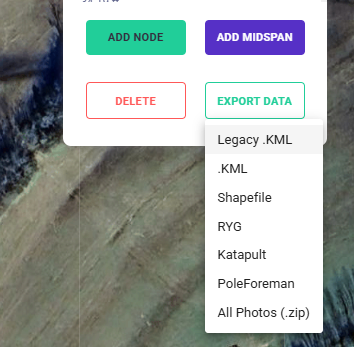
Supported Export Formats:
- KML
- Legacy .KML export is a simple KML export that only lists heights, statuses, etc.
- .KML is a more advanced export with integrated images, metadata, etc.
- Shapefile (.shp / .shx / .dbf)
- RYG
- a specific export we designed to show color-coded make ready clearances.
- Katapult
- Plug-in for Katapult
- PoleForeman
- Plug-in for PoleForeman
Export Steps
- Open your project in Azmyth web.
- Navigate to the Export button.
- Choose the desired export file format(s).
- Click Export Data.
Exports are downloaded directly to your local device.